Skip to content
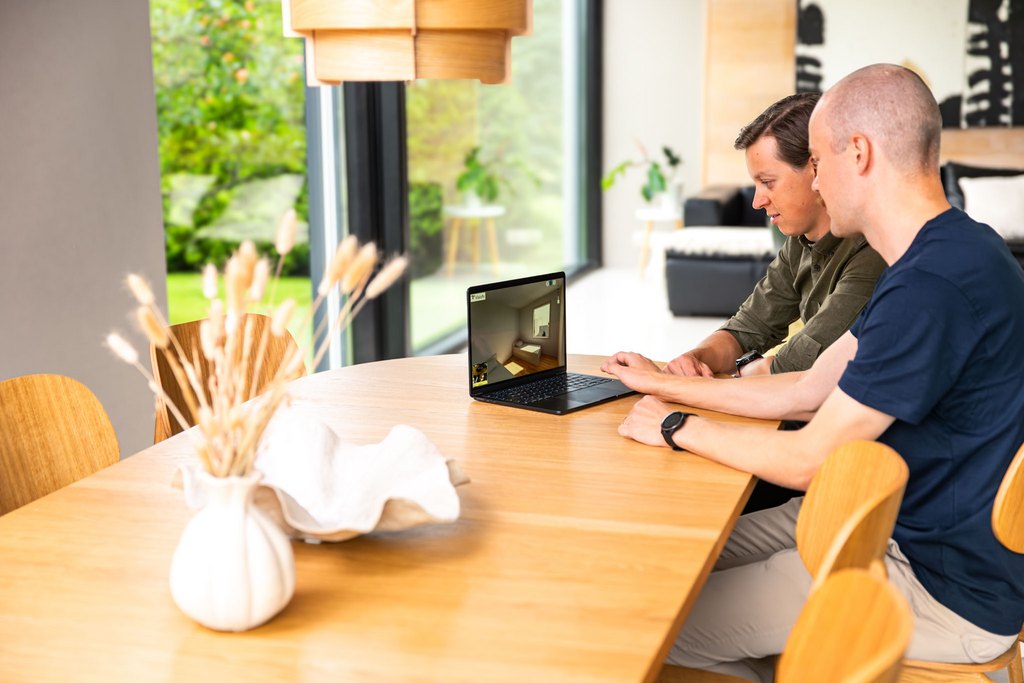
No more change orders: VR helps get rid of unwanted surprises in the house buying process
sketchup vr walkthrough can sketchup be used for virtual reality? sketchup vr tutorial

SketchUp VR Walkthrough: How to Turn Your Model Into an Immersive Experience

Visiofy
Visiofy

Table of Contents

    1. What Is a SketchUp VR Walkthrough?
    2. Why VR Walkthroughs Matter in Architecture and Homebuilding
    3. Common Challenges With Traditional SketchUp Presentations
    4. How to Create a SketchUp VR Walkthrough with Visiofy
    5. Benefits of Browser-Based VR Walkthroughs
    6. SketchUp VR Walkthrough Use Cases
    7. Why Housebuilders and Designers Are Adopting VR Faster
    8. How Visiofy Simplifies SketchUp VR Walkthroughs
    9. Final Thoughts
    10. FAQ

Visionfy-151


What Is a SketchUp VR Walkthrough?

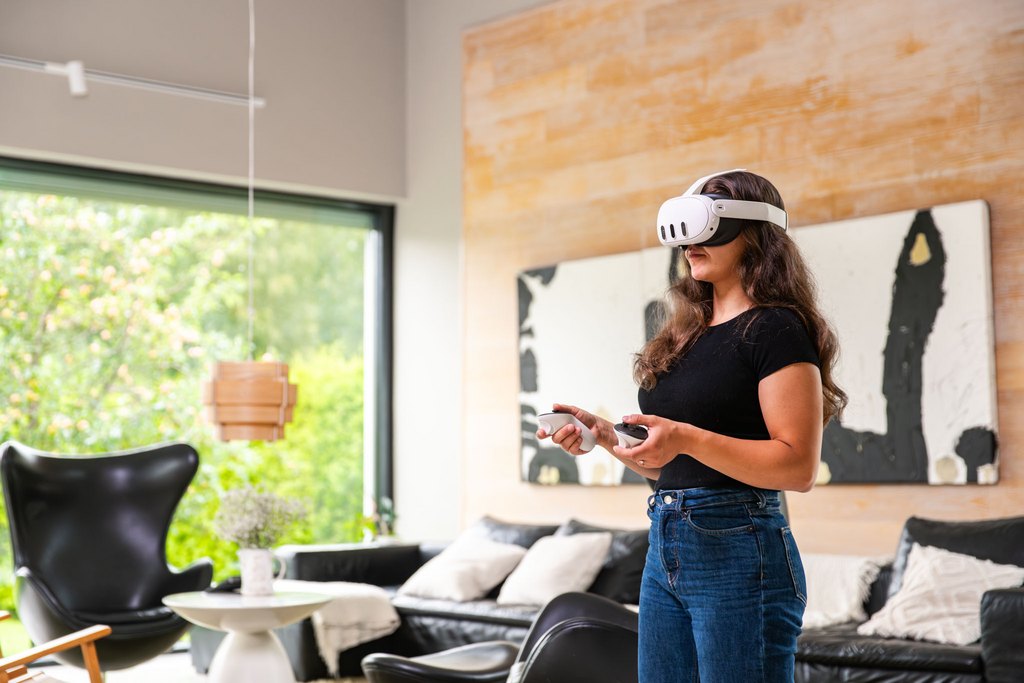
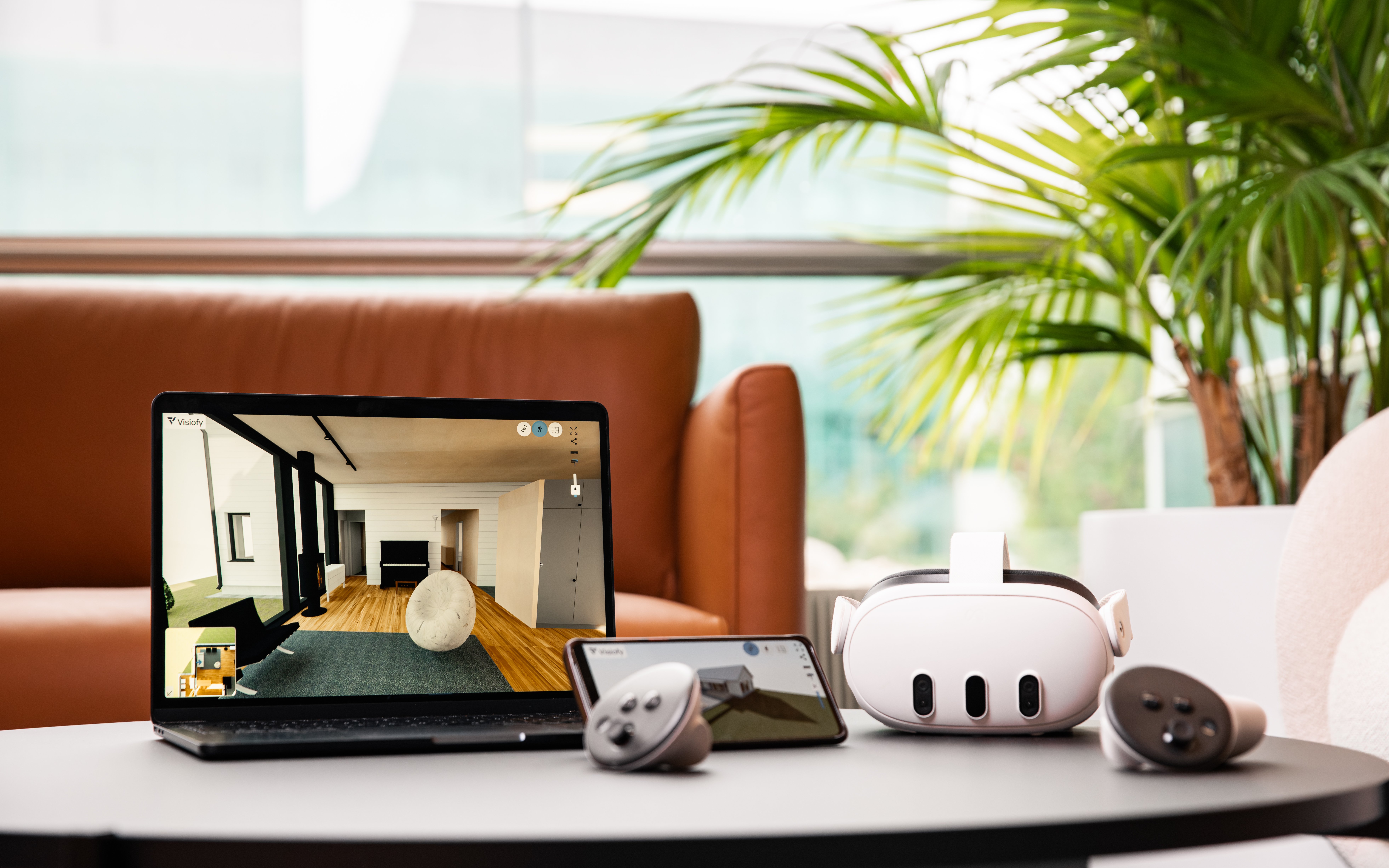
A SketchUp VR walkthrough is an immersive virtual experience created from a SketchUp 3D model. Instead of viewing a building as static images or floor plans, users can walk through the space interactively using a computer, tablet, smartphone, or VR headset.

This allows clients and stakeholders to experience:

  • Room proportions
  • Interior flow
  • Lighting and spatial relationships
  • Material choices
  • Outdoor surroundings
  • Overall design atmosphere

For architects and homebuilders, VR walkthroughs make communication significantly easier because clients can experience the design rather than interpret technical drawings.

Visionfy350k-44 (1)

Why VR Walkthroughs Matter in Architecture and Homebuilding

Traditional architectural presentations often rely on:

  • 2D floor plans
  • Renderings, PDFs or screenshots
  • Video flythroughs

While these are good  and useful, they still require the client to mentally visualize the space.

An interactive SketchUp VR walkthrough removes this barrier.

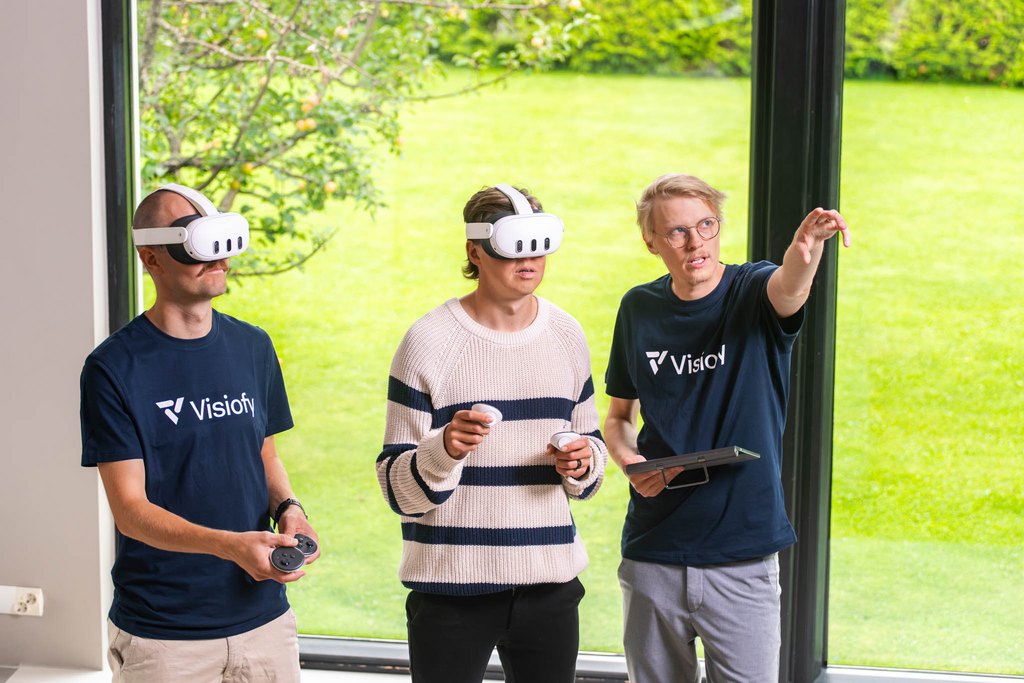
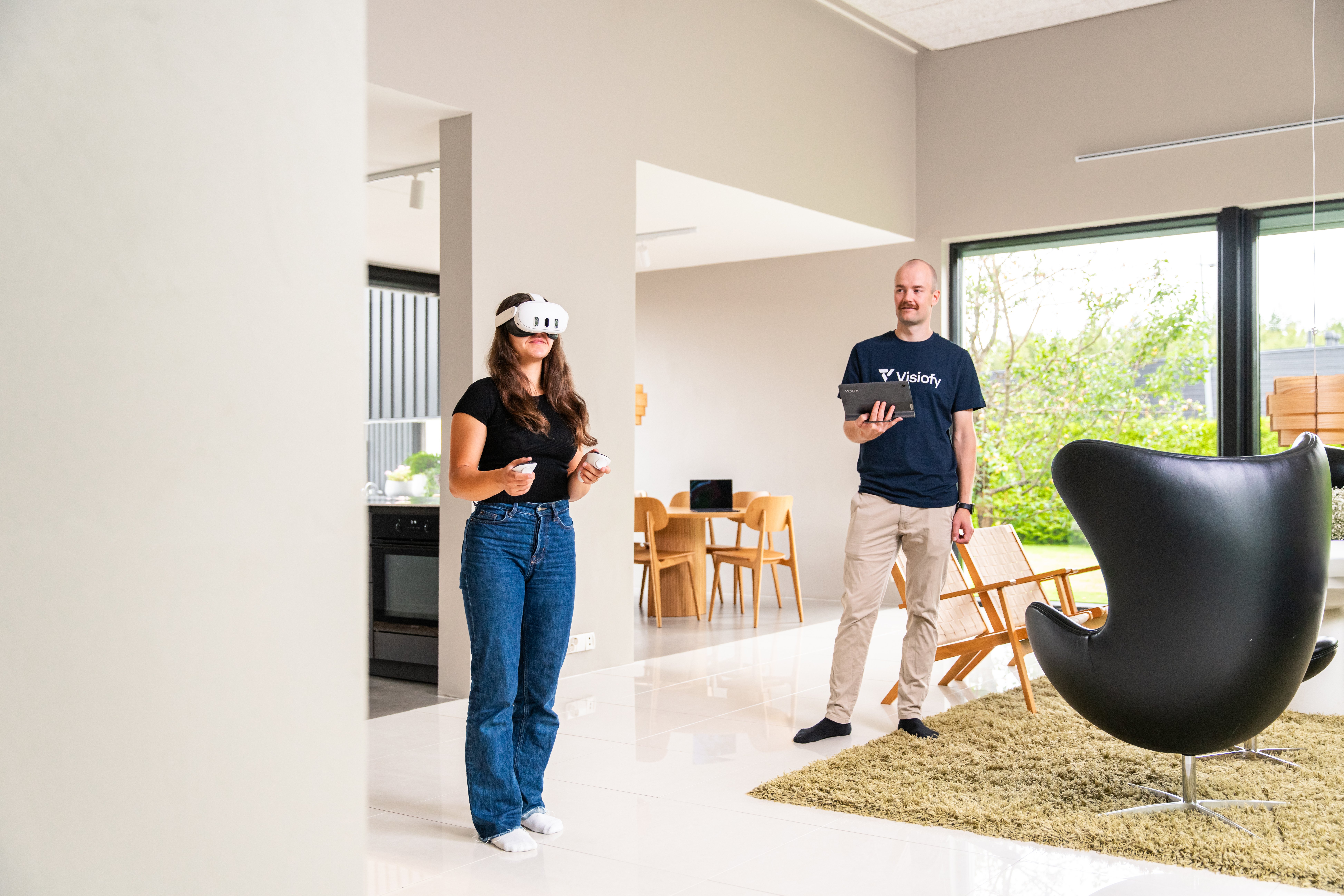
Instead of imagining how a home feels, buyers can virtually walk through it themselves. This leads to:

For residential construction companies, immersive walkthroughs can also reduce uncertainty during the sales process.
Visionfy350k-74

Common Challenges With Traditional SketchUp Presentations

Many companies already use SketchUp successfully for design work, but turning those models into immersive experiences can feel complicated.

Common obstacles include:

1. Complex VR Software

Many VR workflows require:

  • Game engines
  • Rendering pipelines
  • Programming knowledge
  • Heavy hardware

This creates friction for architecture and sales teams.

2. Difficult Sharing

Some VR platforms require:

  • Software installations
  • Large downloads
  • User accounts
  • High-end computers

That can make collaboration harder for clients.

3. Time-Consuming Export Processes

Moving from SketchUp to a VR-ready environment can involve multiple tools and file conversions.

For busy teams, this slows down project workflows.
2

How to Create a SketchUp VR Walkthrough with Visiofy


Step 1: Prepare Your SketchUp Model

Organize your:

  • Geometry
  • Materials
  • Lighting
  • Scene structure

Keep polygon counts optimized for smooth performance.

Step 2: Export the Model

Visiofy supports SketchUp exports in .glb format.

The GLB format keeps:

  • Geometry
  • Materials
  • Textures

in a compact, web-friendly file.

Step 3: Upload the Model

Once uploaded, the model is converted into a walkable virtual space.

Step 4: Share the Experience

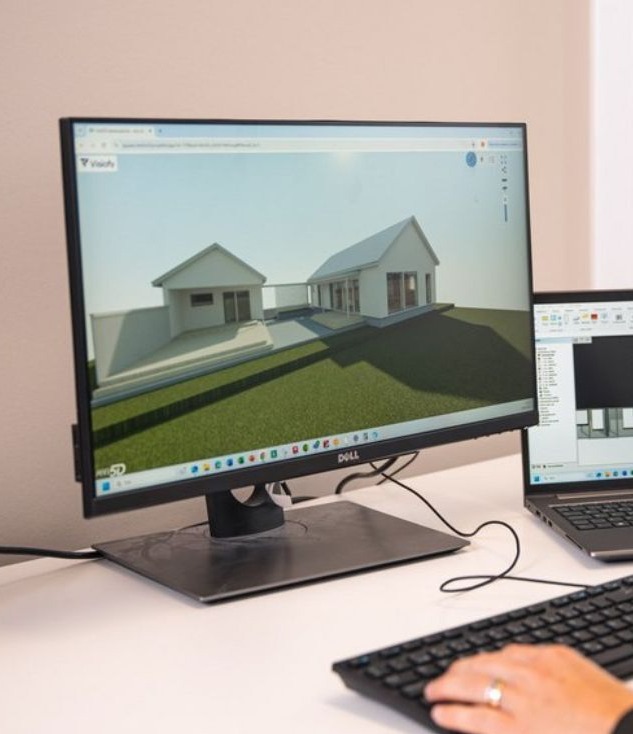
Instead of sending large files, users can open the virtual walkthrough directly in a browser.

This removes many technical barriers for clients.

Benefits of Browser-Based VR Walkthroughs

Browser-based walkthroughs are becoming increasingly popular because they simplify access dramatically.:

No Software Installation

Clients can open the experience immediately.

Easier Collaboration

Teams can share a single link instead of exporting videos or large files repeatedly.

Faster Sales Presentations

Sales teams can use immersive walkthroughs during meetings without technical setup delays.
Visionfy350k-108

SketchUp VR Walkthrough Use Cases

Homebuilders

Residential builders use VR walkthroughs to help buyers visualize homes before construction begins.

Architects

Architects use immersive presentations toimprove communication during design reviews.

Interior Designers

Designers can present materials, layouts, and furniture arrangements more interactively.

Property Developers

Developers use virtual spaces for:

  • Pre-sales
  • Investor presentations
  • Marketing campaigns
  • Remote property showcasing

Why Housebuilders and Designers Are Adopting VR Faster

The construction and real estate industries are becoming increasingly experience-driven.

Modern buyers expect:

A SketchUp VR walkthrough provides all of these advantages while helping companies stand out from competitors still relying on static presentations.

For many companies, immersive walkthroughs also improve trust because clients understand the project more clearly before committing.
Visionfy-10X

How Visiofy Simplifies SketchUp VR Walkthroughs

Visiofy helps architects, housebuilders, and residential designers transform SketchUp models into browser-based walkable virtual spaces.

Instead of requiring game engine expertise or complicated VR development workflows, Visiofy focuses on simplicity and presentation value.

Key advantages include:

  • Easy GLB model upload
  • Browser-based virtual walkthroughs
  • VR-ready experiences
  • Fast sharing with clients
  • No complex software pipeline
  • Designed specifically for architectural presentations

For teams using SketchUp regularly, this creates a much faster path from 3D model to immersive client experience.

You can also test the workflow using the Visiofy Instant Demo, which allows users to upload a supported model and instantly preview the virtual walkthrough experience without creating an account.
Visionfy-91

Final Thoughts

A SketchUp VR walkthrough is no longer a futuristic concept — it is quickly becoming a practical sales and presentation tool for architecture and homebuilding companies.

As client expectations evolve, immersive virtual experiences help businesses communicate designs more effectively, shorten decision cycles, and create more engaging presentations.

For teams already working in SketchUp, browser-based walkthrough platforms like Visiofy make the transition into VR dramatically easier.
Want the easiest start?


Frequently asked questions

Can Sketchup be used for virtual reality?

 Yes. SketchUp models can be used for virtual reality experiences by exporting the model into a VR-compatible format and importing it into a VR platform or walkthrough tool. This allows architects, homebuilders, and designers to create immersive virtual spaces that clients can explore interactively. 

How do I create a VR experience in SketchUp?

To create a VR experience in SketchUp, you typically:

  1. Build and optimize your 3D model in SketchUp
  2. Export the project in a supported format such as .glb
  3. Upload the file to a VR walkthrough platform like Visiofy
  4. Open and share the virtual experience through a browser or VR headset

This workflow makes it possible to turn architectural models into walkable virtual environments without complex game engine development.

Does SketchUp have a VR plugin?

SketchUp supports several VR-related plugins and integrations that help users create immersive presentations and walkthroughs. Some solutions focus on rendering, while others allow browser-based or headset-based virtual experiences from SketchUp models.

How to use a VR headset in SketchUp?

To use a VR headset with SketchUp, you generally need a compatible VR platform or plugin that supports headset viewing. After exporting the SketchUp model and importing it into the VR environment, users can connect supported VR headsets to explore the design at full scale in an immersive way.

What is the best VR for SketchUp?

The best VR solution for SketchUp depends on your goals, workflow, and presentation needs. Many architects and homebuilders prefer browser-based VR walkthrough platforms because they are easier to share with clients and do not require complicated game engine workflows.

For client presentations and residential design visualization, solutions that support SketchUp .glb exports and allow walkable virtual spaces are often the most practical option. Key features to look for include:

  • Easy SketchUp integration
  • Browser-based sharing
  • VR headset compatibility
  • Fast model uploads
  • Smooth walkthrough performance
  • No complex technical setup

Platforms like Visiofy are designed specifically for turning architectural models into immersive virtual experiences that are easy for clients to access and explore.


Enjoyed this post? Share it with someone who'd love it too!